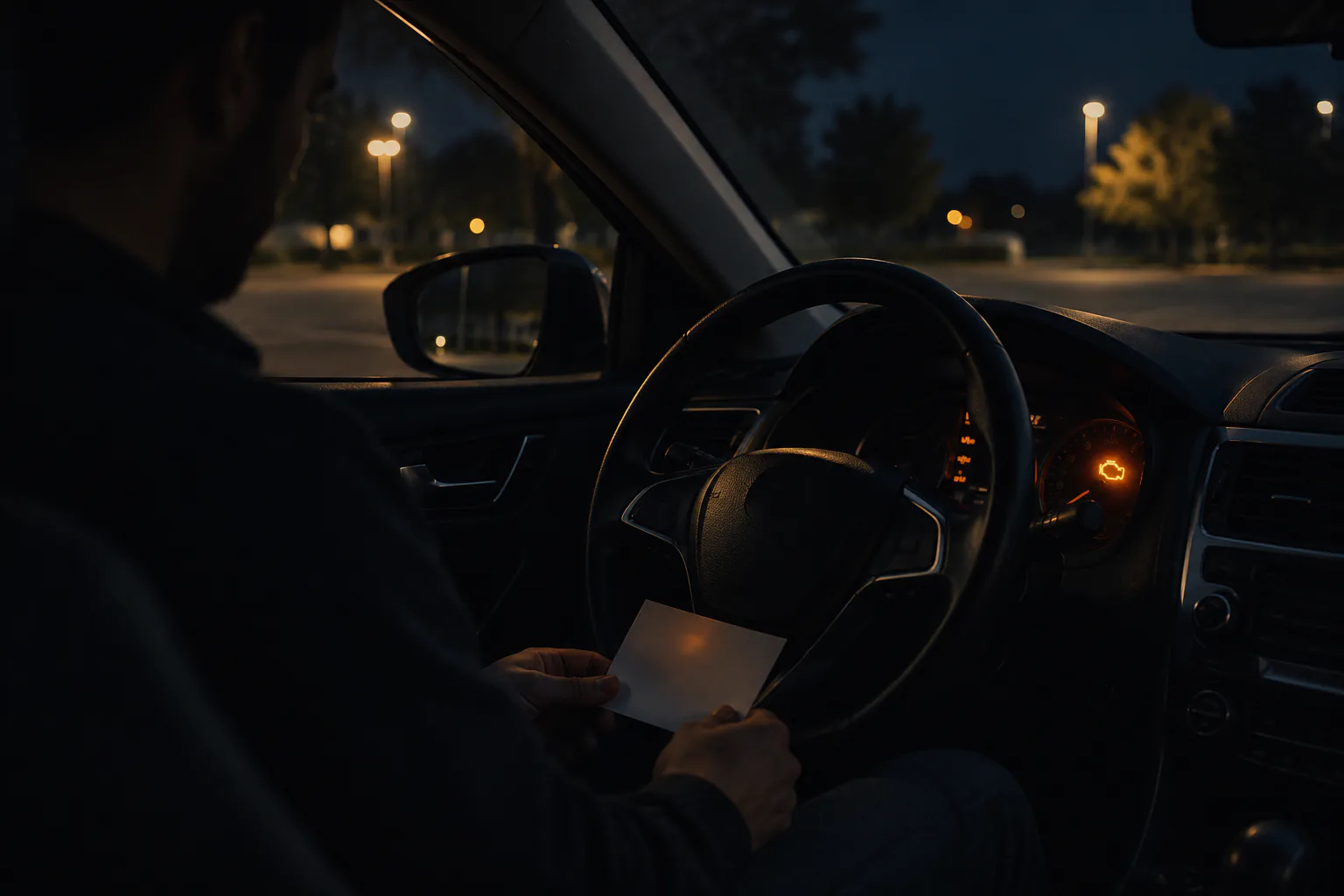
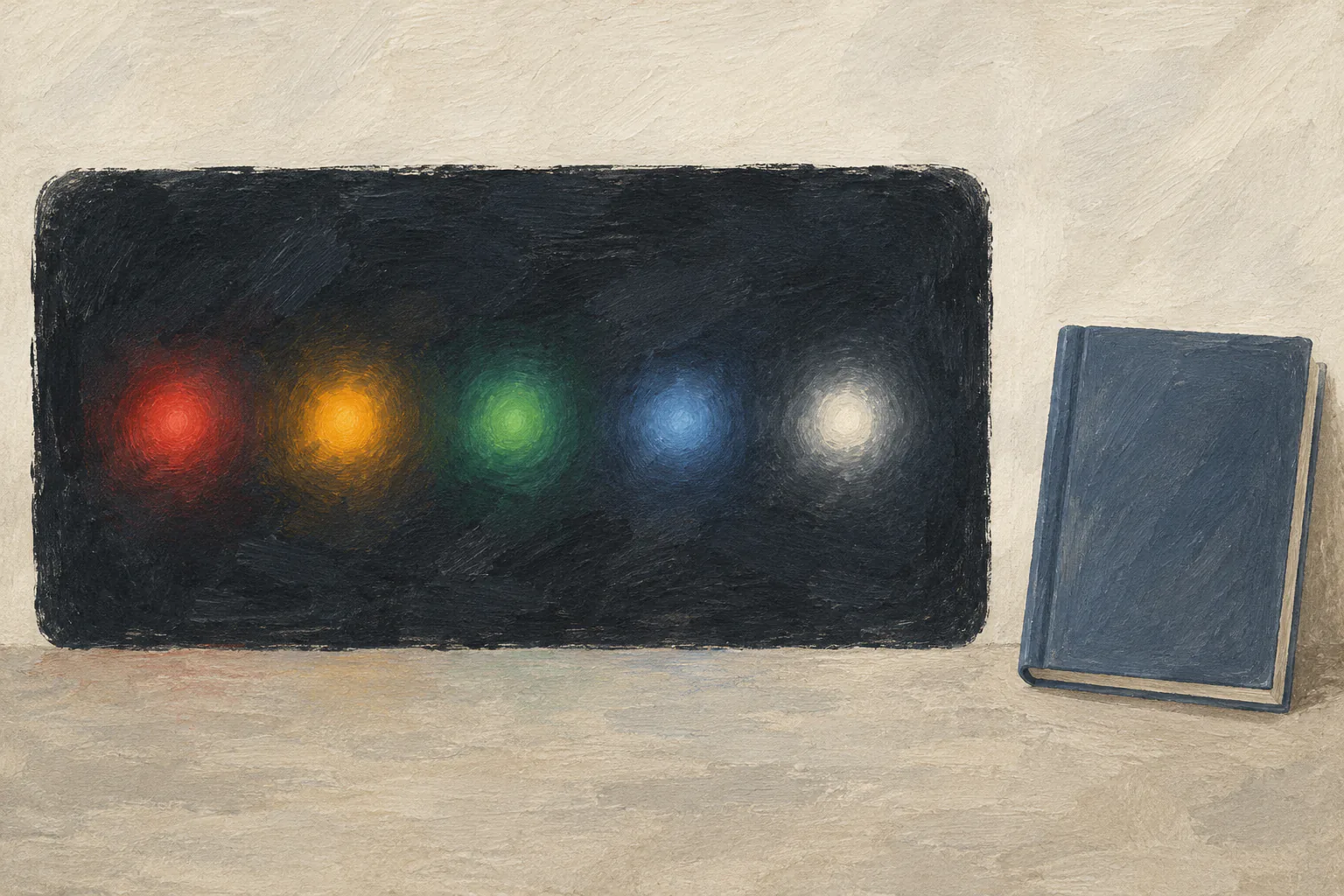
Dashboard color is an orientation clue, not a verdict. Toyota says yellow icons indicate something important but are not necessarily warnings, while red icons require immediate attention; its own examples range from an open door to low oil pressure. Ford manuals likewise distinguish warning lamps from ordinary indicators and tell drivers to consult each system entry.
This roundup includes common driver-facing color families found across current OEM material. The selection rule is cross-manufacturer usefulness: include a color only when it helps a driver find the correct manual entry, and pair it with exceptions that prevent color-only decisions.
Red: urgent attention, but not one action
Red commonly marks conditions that need immediate attention or a required driver action. Examples can include oil pressure, brake-system warnings, high temperature, seat belts, open doors, or charging faults.
The correct response ranges from fastening a belt or closing a door to stopping the engine. That range proves why “red means stop driving” is too broad and “red is just urgent” is too vague. Identify the symbol and message, then follow the exact instruction.
Red combined with a buzzer, flashing display, loss of braking or steering, smoke, overheating, or serious operating change warrants conservative action. Do not keep driving while searching the internet.
Amber or yellow: attention, limitation, or status
Amber/yellow often indicates a system needing service, a reduced or unavailable feature, low fuel, low tire pressure, traction activity, or a condition that may allow limited operation. A steady check-engine lamp is a familiar example, but flashing behavior can increase urgency.
An amber ABS warning can mean anti-lock assistance is unavailable while ordinary braking remains, depending on the vehicle. Paired with a red brake warning, the required response may change. An amber tire-pressure symbol can indicate underinflation; flashing followed by steady illumination can indicate a TPMS fault.
Do not delay every amber warning until the next scheduled service. Read the manual promptly and combine it with symptoms.
Green: system active, not proof of safe conditions
Green commonly indicates that a system or lamp is active: turn signals, exterior lighting, cruise control, or driver-assistance status. It is usually informational.
An active indicator does not certify that conditions are safe or that the driver-assistance system is controlling the vehicle. Green cruise or lane-system status still requires driver supervision. A green turn signal that flashes unusually fast may point to a lamp issue on some vehicles.
Understand the operating indicator before relying on the feature.
Blue: high beams or temperature-related information
Blue is frequently used for high-beam status. It can also represent a cold coolant-temperature indicator on some vehicles. Those meanings are unrelated.
High beams should be dimmed when required for other road users. A cold-engine indicator usually calls for normal gentle operation according to the manual, not prolonged idling or immediate service. Do not confuse it with a red high-temperature warning.
White or gray: ready, selected, or standby
White and gray often show that a feature is available, selected, detected, or in standby rather than actively controlling. Digital clusters can change appearance with themes, brightness, and display modes.
The difference between white, green, and gray may express system state. For example, a driver-assistance icon may change color as it becomes available or engaged. Learn the sequence from the vehicle manual; a static color chart loses that context.
Color changes and multi-color symbols

The same icon can appear in more than one color or animation. A parking-brake symbol can be an ordinary state or a fault. A driver-assistance icon can change from standby to active to unavailable. Temperature icons can use blue and red for opposite states.
Record whether the icon flashed, changed color, appeared with text, or followed a start-up check. A phone photo taken after safely stopping is more useful than a remembered color.
When the color is hard to identify
Sunlight, tinted lenses, color-vision differences, aging displays, and digital themes can make color unreliable. Use symbol shape, text, sound, location, and manual description. Accessibility needs are another reason manufacturers cannot rely on color alone.
Do not use an image-search match as the final authority. Similar symbols can represent different functions across brands and generations.
Distinguish warnings, indicators, and reminders
A warning reports a condition needing attention. An indicator shows that a function is active, selected, unavailable, or operating. A reminder requests an action such as fastening a belt or scheduling maintenance. Manufacturers may group all three in one instrument-cluster section even though urgency differs.
The startup lamp check is another category of behavior. Several lamps illuminate briefly to show that their circuits or display are working. A lamp that never appears during the expected check can itself require inspection, while a lamp that stays on has a different meaning.
Animation matters. Steady, flashing, and flashing-then-steady patterns can communicate different states. A tire-pressure lamp, turn signal, check-engine light, or security indicator may change meaning through timing. Record the pattern rather than only the color.
Make the guide accessible to every driver

Create a household quick card using icon name, shape, exact message, sound, and action—not color alone. Include where the manual is stored and how to reach roadside assistance. A second driver should not need to remember that a particular icon looked amber in daylight.
For digital clusters, photograph the symbol reference pages or bookmark the official manual. Do not photograph while driving. Voice assistants and vehicle apps may provide explanations, but verify that they match the selected vehicle and current warning.
If a passenger helps, have them read the manual while the driver focuses on reaching safety. A color chart should never compete with road attention.
A four-step lookup
First, reach a safe condition if the vehicle behaves abnormally. Second, capture the full display. Third, open the model-year manual's “warning lamps and indicators” or instrument-cluster section. Fourth, read the complete entry, including combined warnings and stop instructions.
If the symbol is missing from a generic manufacturer overview, that does not mean it is unimportant. Toyota's public page explicitly sends owners to the manual for symbols not listed.
The color families are valuable only as navigation. Red raises urgency, amber asks for timely interpretation, and green, blue, white, or gray often describe state—but every family has exceptions. The icon and the manual decide the action.
Update the quick card after a vehicle change. Even within one brand, trims, model years, powertrains, and display software can alter symbols and behavior.